
How to Troubleshoot Common IT Problems: A DIY Guide for NY Residents


Living in New York, a bustling hub of technology and innovation, means that encountering IT issues is a part of life. Whether you’re a student, professional, or business owner, knowing how to troubleshoot common IT problems can save you time and frustration. This DIY guide is designed to help you tackle some of the most frequent tech issues right from your home or office.
Internet Connectivity Issues
One of the most common problems faced by New Yorkers is slow or lost internet connectivity. Before calling your internet service provider, try these steps:
- Restart Your Router: Unplug it, wait for 30 seconds, and then plug it back in.
- Check for Outages: Visit your provider's website or use an outage detection service.
- Update Your Network Drivers: Ensure your device’s network drivers are up to date.

Wi-Fi Signal Weakness
If your Wi-Fi signal is weak, consider moving your router to a more central location in your home or office. Additionally, make sure there are no physical obstructions or electronic devices that might interfere with the signal.
Computer Performance Issues
Another frequent problem is a slow computer. Here’s how you can address it:
- Free Up Space: Delete unnecessary files and programs.
- Run a Virus Scan: Use reliable antivirus software to check for malware.
- Optimize Startup Programs: Disable programs that automatically start and slow down boot time.

Software Crashes
If a specific software keeps crashing, try reinstalling it or checking for updates. Sometimes, simply restarting your computer can resolve minor software glitches.
Printer Malfunctions
Printers are notorious for causing headaches. If you're experiencing issues, follow these steps:
- Check Connections: Ensure all cables are securely plugged in.
- Update Drivers: Visit the manufacturer’s website for the latest drivers.
- Clear Print Queue: Cancel all documents in the print queue and try printing again.
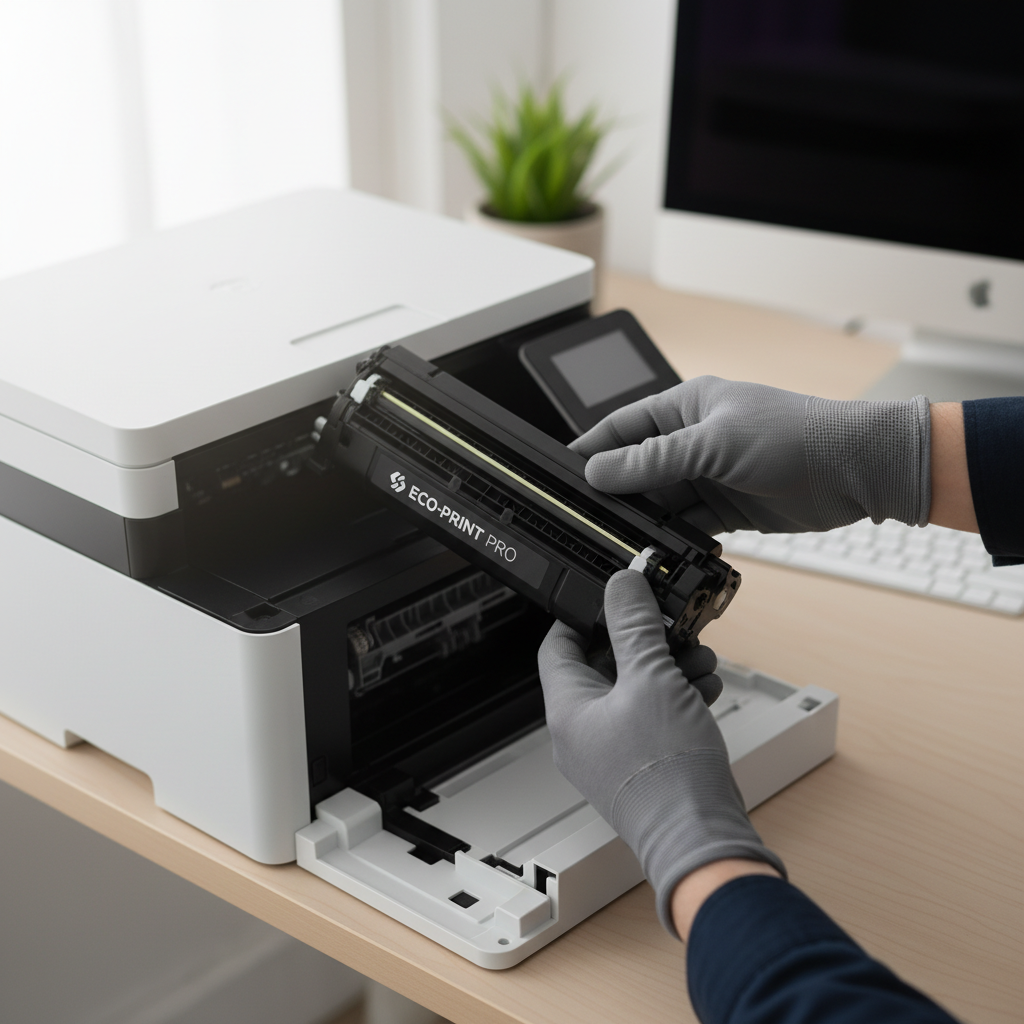
Paper Jams
For paper jams, gently remove the jammed paper, making sure no small pieces are left inside. Regularly clean your printer to avoid dust accumulation, which can cause jams.
Mobile Device Glitches
Smartphones and tablets can also encounter problems. Here’s how to handle common issues:
- Restart Your Device: A simple restart can often solve many issues.
- Update Your OS: Ensure your operating system is up to date for optimal performance.
- Clear Cache: Free up space by clearing app caches and unnecessary data.

By following these DIY troubleshooting tips, New York residents can often resolve common IT problems without the need for professional assistance. However, if the issue persists, don’t hesitate to contact a professional for help. Being proactive and informed is the key to keeping your technology running smoothly.